Install
- Open the Conform LUFS page on the Mac App Store.
- Click the purchase or download button.
- Apple installs the application automatically in Applications.
- Launch Conform LUFS from Finder or Launchpad.
Import your files
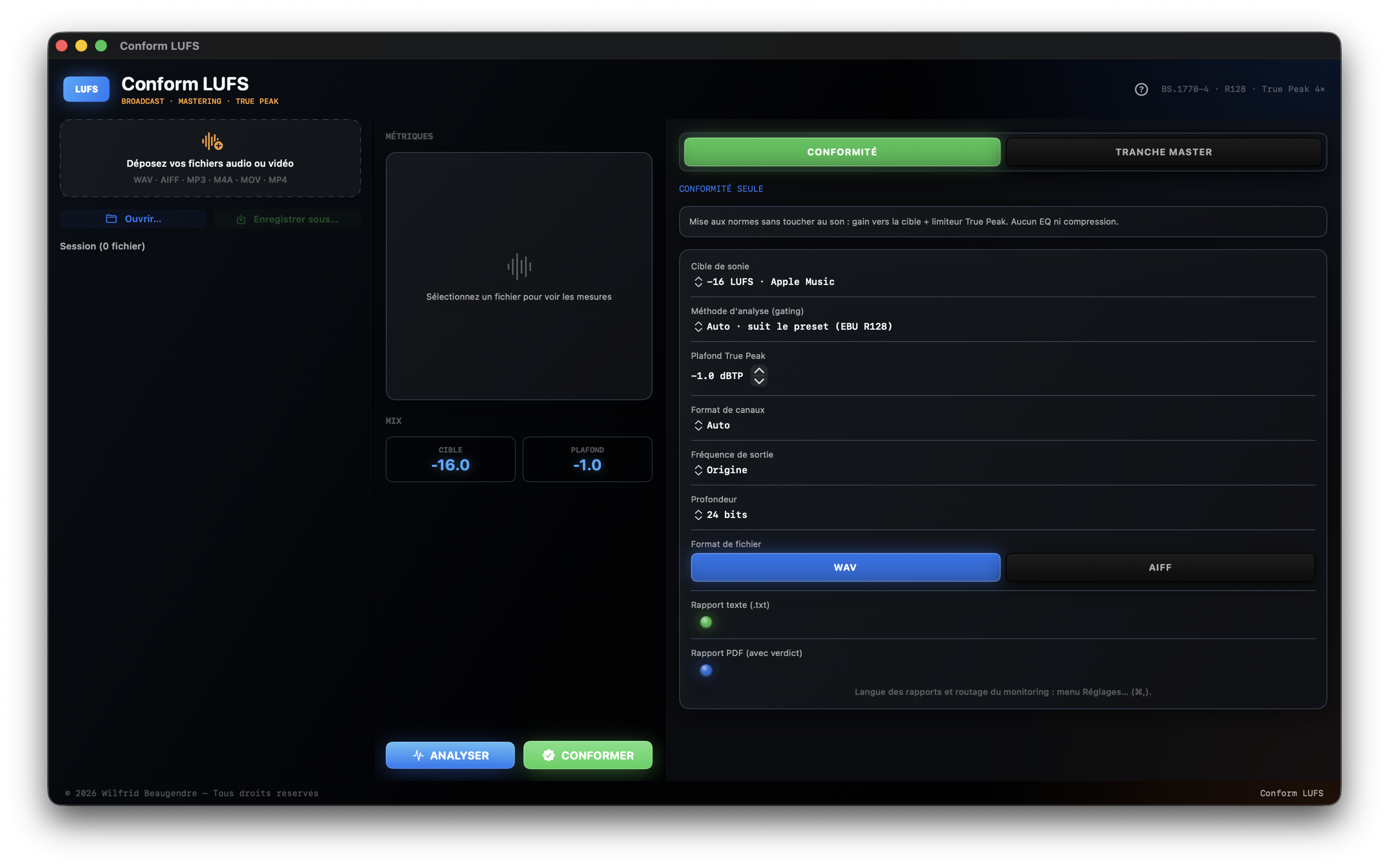
Drop audio or video files into the import area, or click Open… to select multiple files or a complete folder. Dropping media adds it to the queue without opening another window.
- Audio: WAV, AIFF, CAF, FLAC, MP3, M4A and AAC.
- Standalone video: MOV, MP4 and M4V with audio-track replacement on render.
- Mono, stereo and multichannel layouts up to 7.1.4.
- Always preserve the original source files.
Automatic analysis
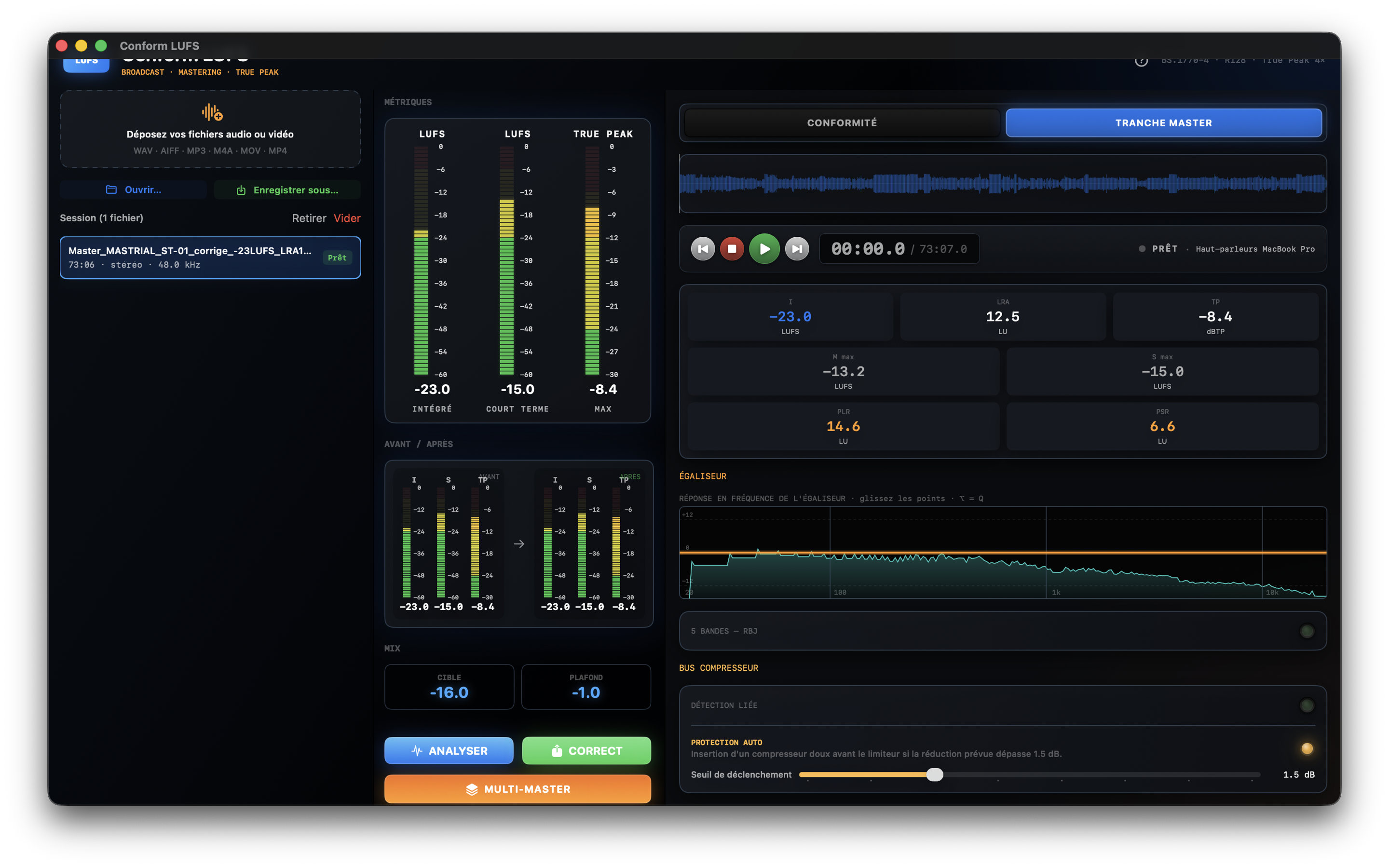
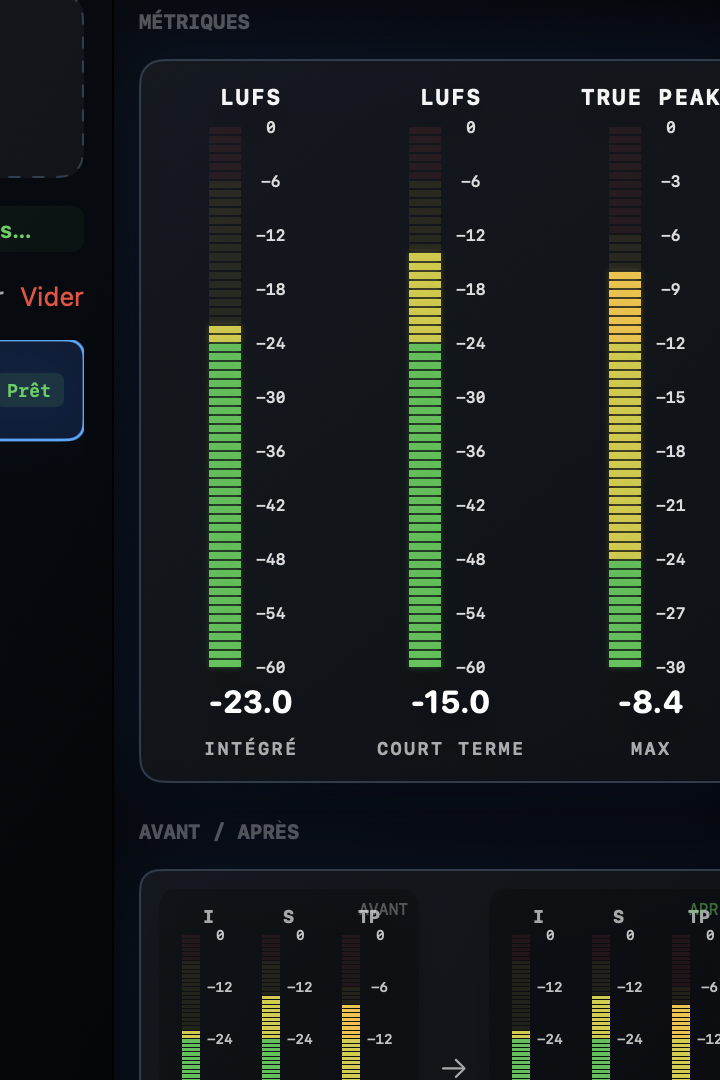
Analysis starts on import and processes the complete queue. Use Analyse to measure the selected item again after changing the target, gating method or multichannel layout.
- M / Momentary: immediate loudness.
- S / Short-Term: loudness over a short window.
- I / Integrated LUFS or LKFS: complete-programme level.
- LRA: programme dynamics.
- TP / dBTP: 4× oversampled maximum True Peak.
Select the target and mode
Select one of the 21 built-in destinations. The LUFS/LKFS target, True Peak ceiling, tolerance and gating method follow the chosen standard.
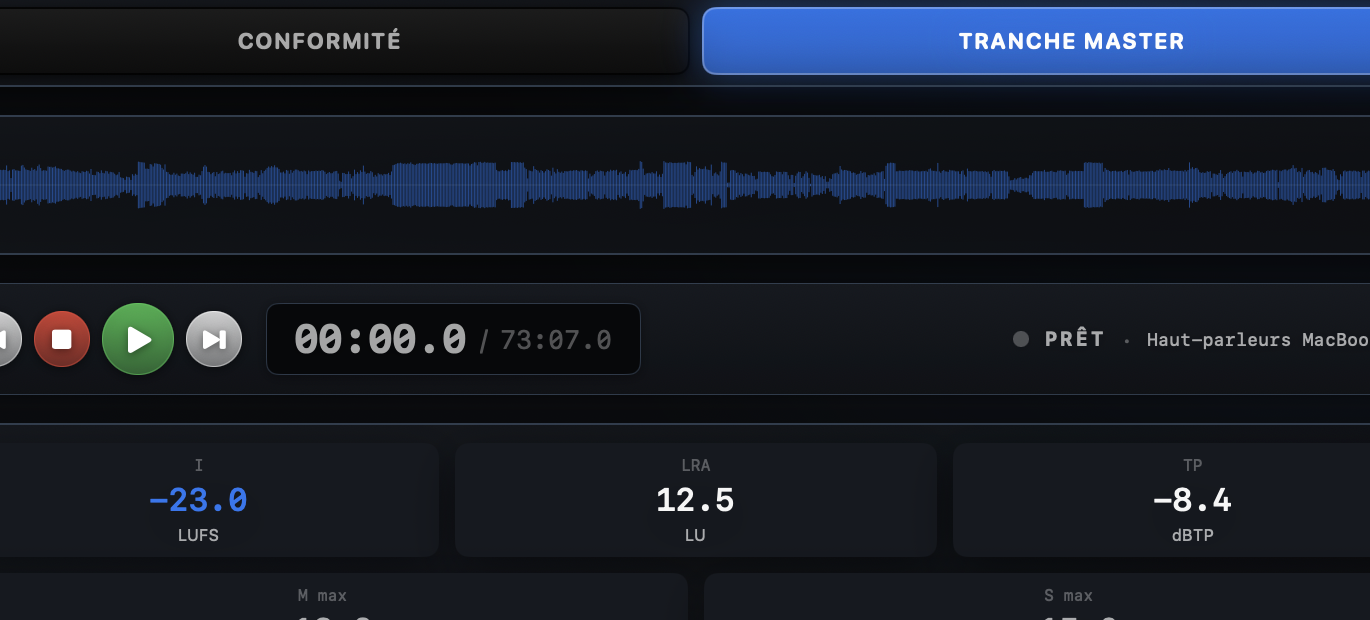
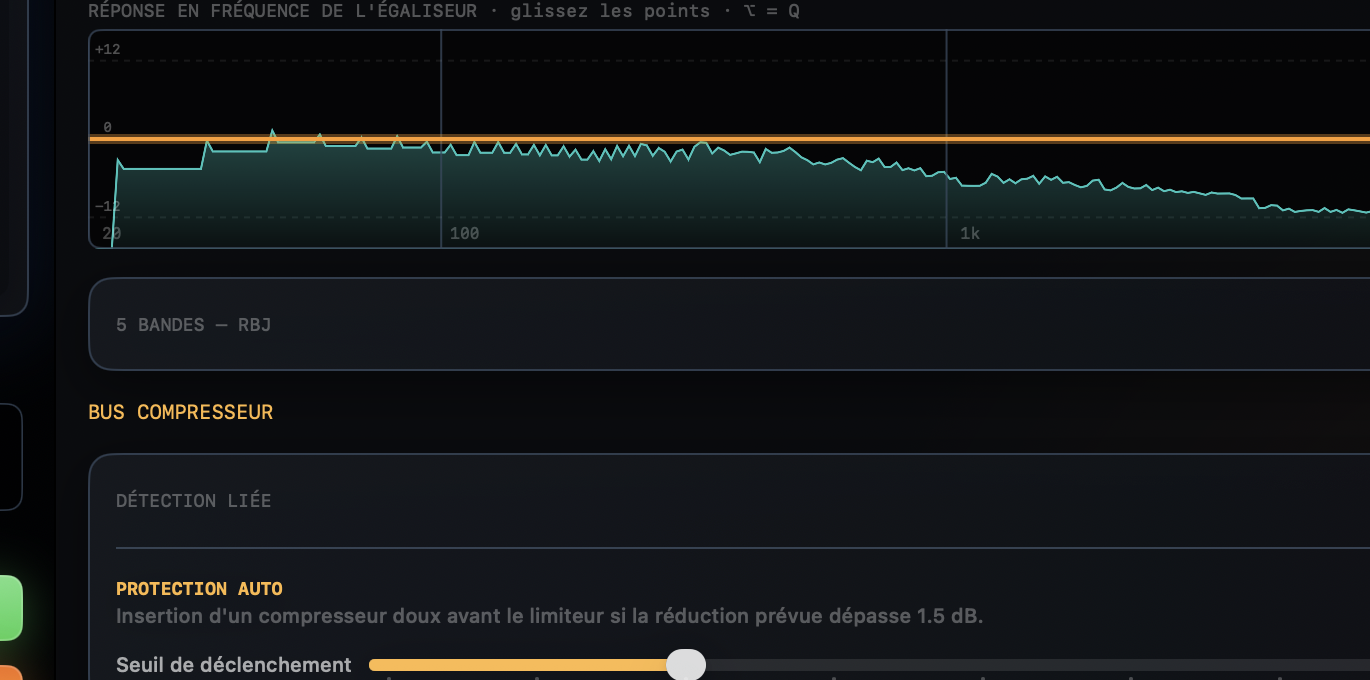
Use Compliance first for transparent correction. Open Mastering only when you want to shape the signal with EQ, compression, transient protection, LRA reduction and Mid/Side processing. These settings are applied to the rendered audio.
Check compliance
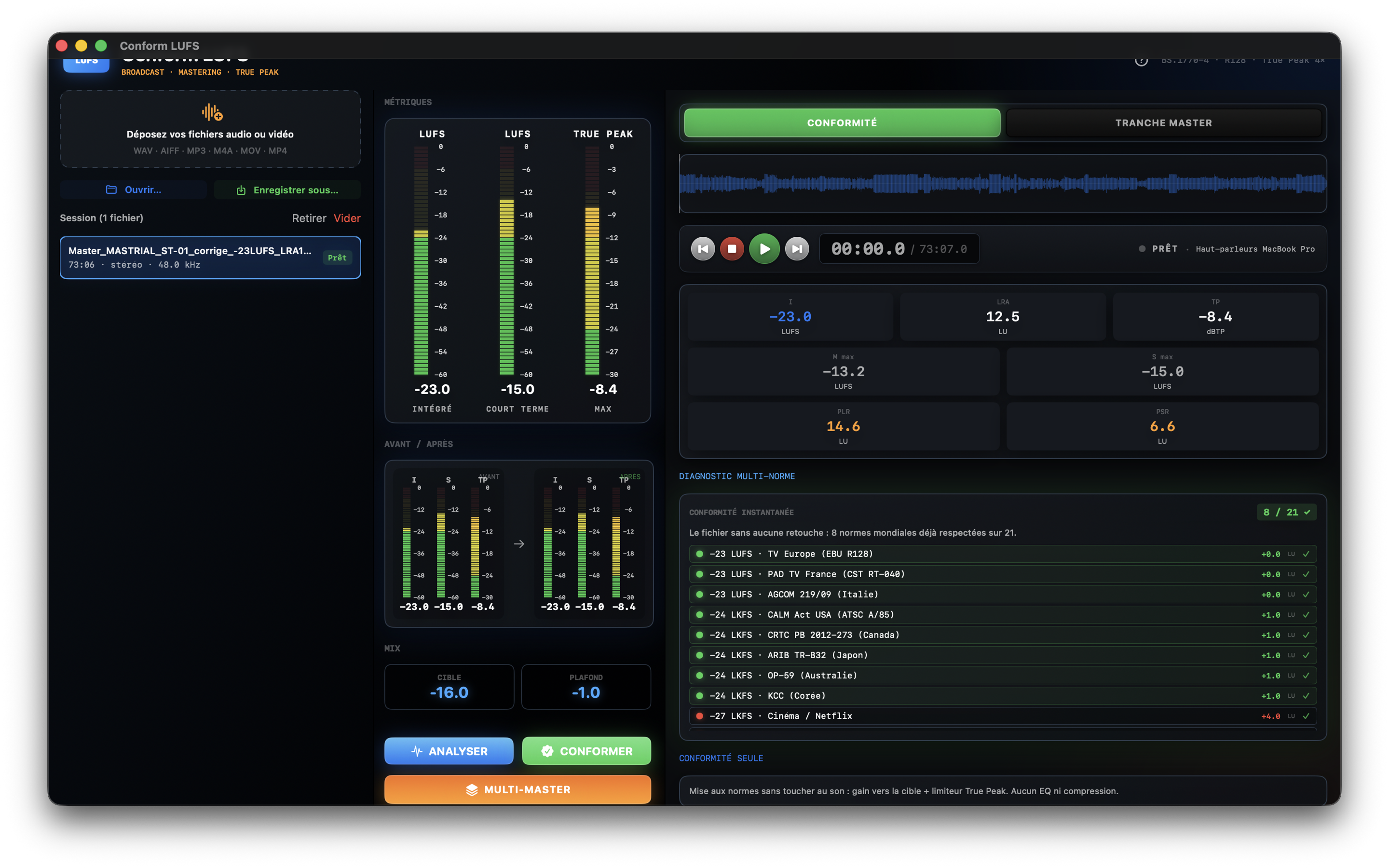
Compliance, positioned before Mastering, brings together the selected-standard verdict and before/after comparison.
- Check the difference from the LUFS or LKFS target.
- Confirm the True Peak ceiling and available Short-Term or LDR limits.
- Review LRA, dynamics, channels and stereo balance.
- For multichannel programmes, confirm the selected layout up to 7.1.4.
Correct and deliver
Click Conform in Compliance mode or Correct in Mastering mode, then select the destination folder. Conform LUFS processes the queue, creates new copies and leaves every source untouched.
The before-and-after PDF report is produced with the correction when reporting is enabled. Use Multi-Master to generate several standards-based deliverables from one source master.